





























CADENAS - Setting Standards
CADENAS es una empresa líder en la creación de software tanto en los sectores de Administración Inteligente de Partes y reducción de piezas (PARTsolutions) como en el de Catálogos Electrónicos de Productos (eCATALOGsolutions).
El software de CADENAS opera como punto de unión entre los fabricantes de piezas, sus productos y los compradores.
Soluciones del software de CADENAS
El 70% de los 50 fabricantes más solicitados por los ingenieros cuentan con eCATALOGsolutions de CADENAS como el catálogo CAD para la solución de sus productos.
154 de las 1000 empresas alemanas internacionales cuentan con PARTsolutions de CADENAS.
El Catálogo Electrónico de Productos

Implica para los fabricantes de componentes una solución para crear catálogos de productos CAD así como para administrar sus productos de forma unificada.
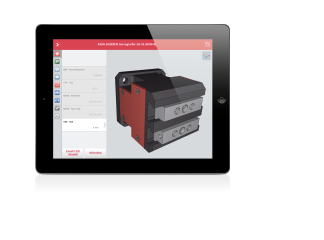
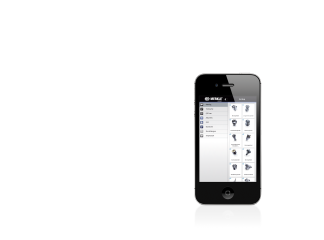
- Crea catálogos (CD, Impreso, Web, Móvil)
- Configuradores de productos
- ePRODUCTplacement
- Ferias de entretenimiento
La Administración Inteligente de Partes

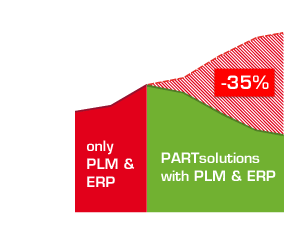
La ingeniería y compra sostenible reducen costes estándar, de aprovisionamiento y piezas de la empresa
- Reduce partes múltiples
- Toda la información de un vistazo
- Colección de piezas CAD en 3D